Did you achieve the results you would like in 2019? What if you had better organized your schedule? Would you be in a different situation?
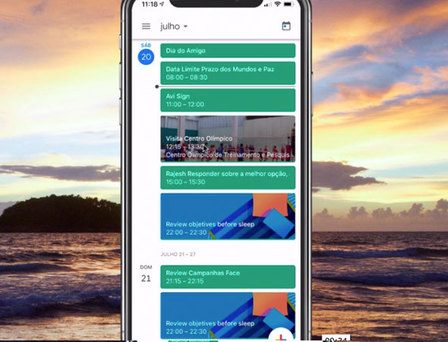
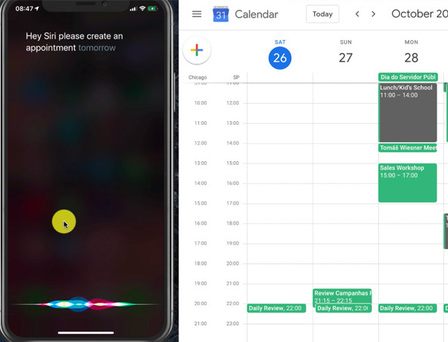
This is your chance to gain access to the METHOD for organizing your calendar, doubling daily efficiency and making Google Calendar your main planning tool.
Pay close attention to what you will read ahead as it may change the way you organize the week and manage your tasks.
You are about to put your hands on practices that can increase your weekly time available, eliminate forgetfulness and make the meeting scheduling process much simpler and effortless, even if you have never studied productivity methods, never used Google Calendar before, or even have advanced technology skills.
Before I can give you all the details about our training, I need to talk to you about the organization, productivity, and planning.
Scheduling appointments and organizing the week can be much more enjoyable and effective.
In particular when you are confident and have clarity about your week's plan.
Many people have not realized the impact of technology on routine.
Technology is part of everyday life, everything is done with the cell phone, e.g. ordering lunch, paying a bill, looking at the agenda and appointments of the day.
I remember the paper planners I used to organize my appointments. There were days with so many notes that barely fit the sheet.
I remember the sadness when I forgot my planner at home or in the office. It was a torment to schedule meetings without knowing my availability.
Not to mention losing appointments due to lack of attention and a daily check routine.
Recurring failures to meet commitments can have a very negative professional impact.
Credibility takes years to conquer, but seconds to lose.
The technological revolution has brought changes. Profound changes in the way we work, the routine and the way we handle situations.
And this is where many keep skating...
To Get New Results You Have to Do Things Differently, Change Old Habits, and Use Technology to Produce Better.
Modern world changes are faster than our speed of adaptation.
Many people complain about memory problems, overwork, and distractions.
Have you noticed how simple it is to lose focus and forget about appointments?
Have you already missed appointments by oblivion? Or failed to deliver tasks for lack of organization?
It is a bad and uncomfortable situation.
But how to organize appointments effectively?
How to organize meetings and important tasks? Be reminded in advance of appointments and have a flawless routine?
When you have everything organized into an “efficient routine,” when you understand how to take advantage of technology and execute routines simply and effectively, your daily workflow improves and you free your brain from worries.
There is no reason to keep events and appointments in memory, to do so is to overload the mind with unnecessary matters. You can put your phone to take care of it for you more effectively.
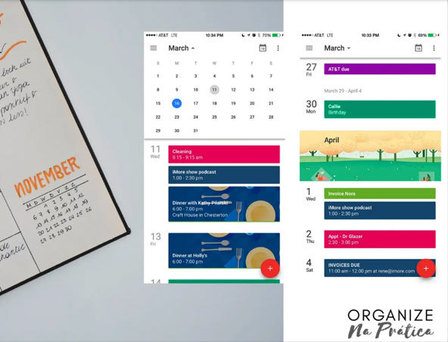
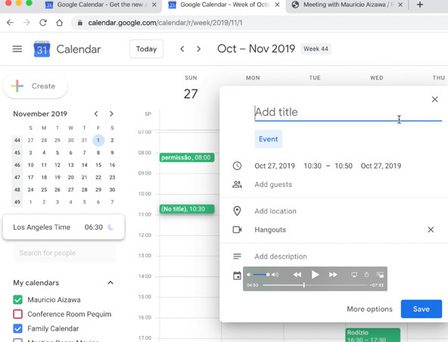
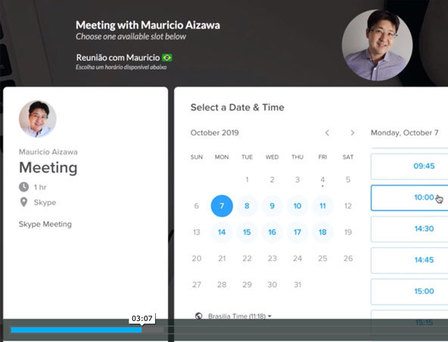
I serve many consulting clients, my schedule is usually full every day, when I realized that I could automate meeting scheduling and have Google Calendar as the central repository of my appointments, a lot has changed.
My weekly planning and prioritization process has greatly improved.
And that's exactly what you can implement in your routine.
The more organized your routine, the greater the focus, concentration, and sense of priority.
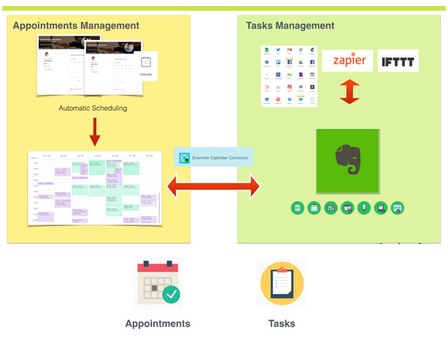
If you want to organize your calendar and optimize your time, I will share with you practical routines for you to apply using Google Calendar + Evernote.
What you need to do is start implementing a predictable and productive routine. In other words, a ROUTINE for you to organize your day more efficiently.
You can absorb ready-made practices and start optimizing your day today.
There are specific processes for organizing files, others for planning a routine, and others for optimizing your time.
Well, that's exactly what I want to help you with this training.
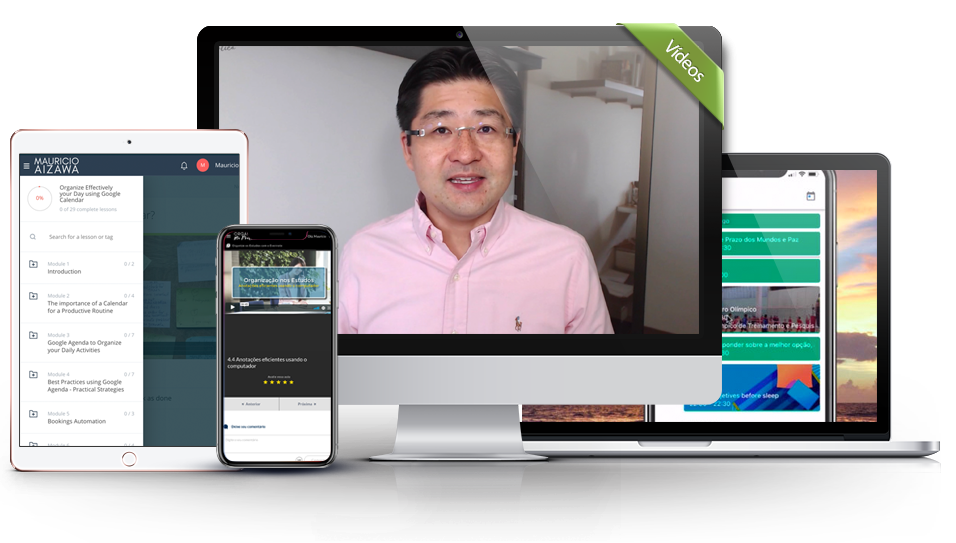
The material consists of video lessons to accelerate learning
Video class training
Proven techniques used by professionals in different areas
Proven Techniques
You will receive your access within 5 minutes of payment.
Immediate Access
Hi, I’m Mauricio Aizawa, an experienced digital marketing and Productivity Expert determined to help people increase results and save time using modern technologies.
Learn new tools that make life easier is one of my passion and I love to share my experiences and best practices.
In my courses you will find practical lessons showing how to apply different tools to improve your business and personal life.
Everything that I share is based on my experience coaching clients and individuals.
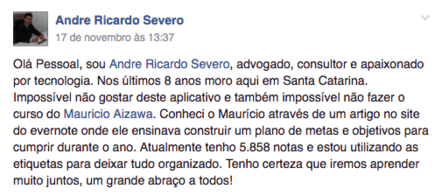
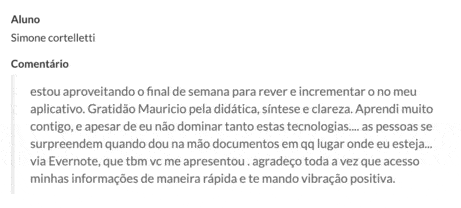
First of all I would like to congratulate you on the excellent course, it is really very comprehensive.
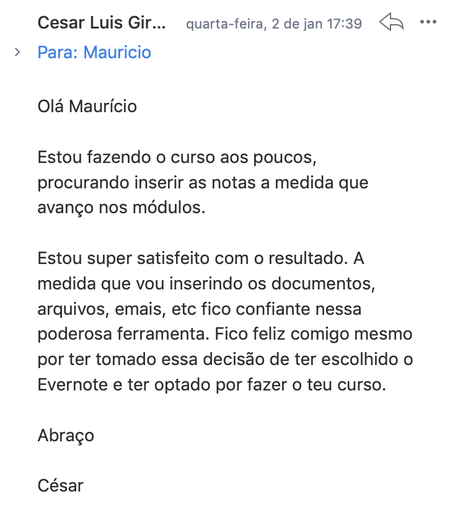
I have been a Evernote user for some time and it was good to be able to add more knowledge about the tool and especially to know its various possibilities.
I confess that I did not use Evernote to store as many things as you suggest, but after the course I am changing the way I use it and already realize a great gain in productivity. Success!
Mauricio Bonani, IT Consultant
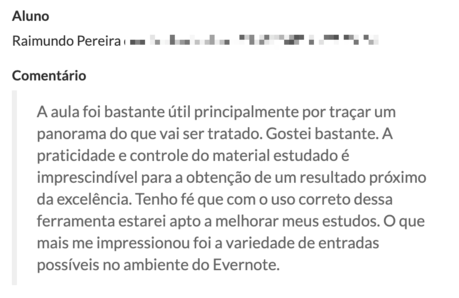
It's great! It will definitely improve my productivity.
I see that fits perfectly into my routine.
I already use Evernote and with Google Calendar in sync, I will not lose focus on my tasks and activities.
Mario Cesar Segond - Doctor
If you don't like the method we teach, you have the 30 DAY Unconditional Guarantee!
Just send us an email and we'll return all your investment!
Organize Effectively your Day using Google Calendar
JUST $49
5 Core Modules
30 Video Lessons
Lifetime Access
Support
Talk with us on the chat or email us:
support@mauricioaizawa.com
mauricioaizawa.com